Walk-up simple
A portrait touchscreen, clear prompts, and large targets make each step easy to understand.

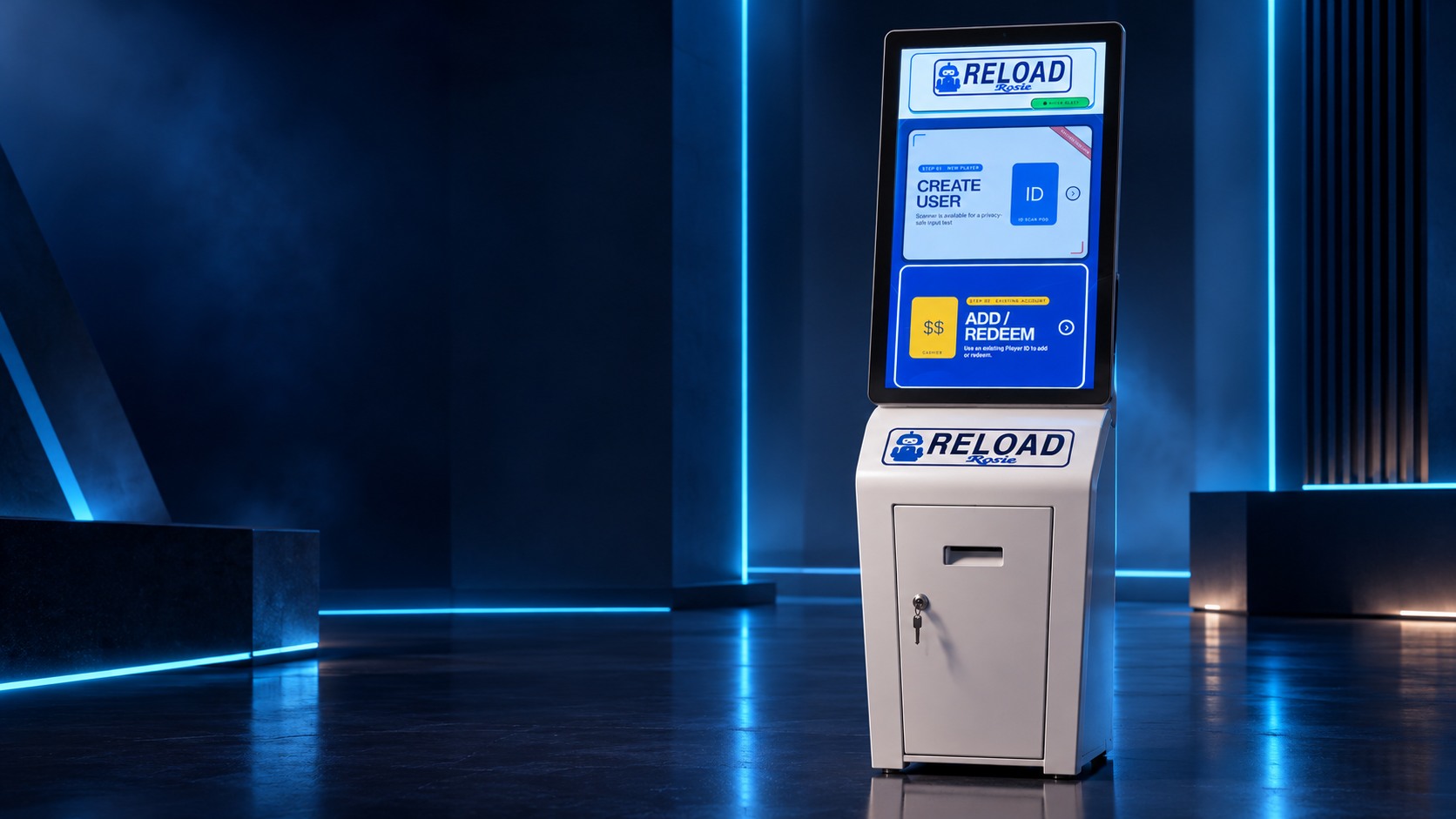

The self-service player kiosk
Player service without the line. Rosie brings purpose-built hardware, simple account access, ID scanning, and cash handling together in one polished kiosk.
01 / 03
The complete Rosie kiosk
ROSIE × SPECTACLE GAMING
Rosie is more than a screen. It is a complete physical service point built around the work players and operators do every day.
A portrait touchscreen, clear prompts, and large targets make each step easy to understand.
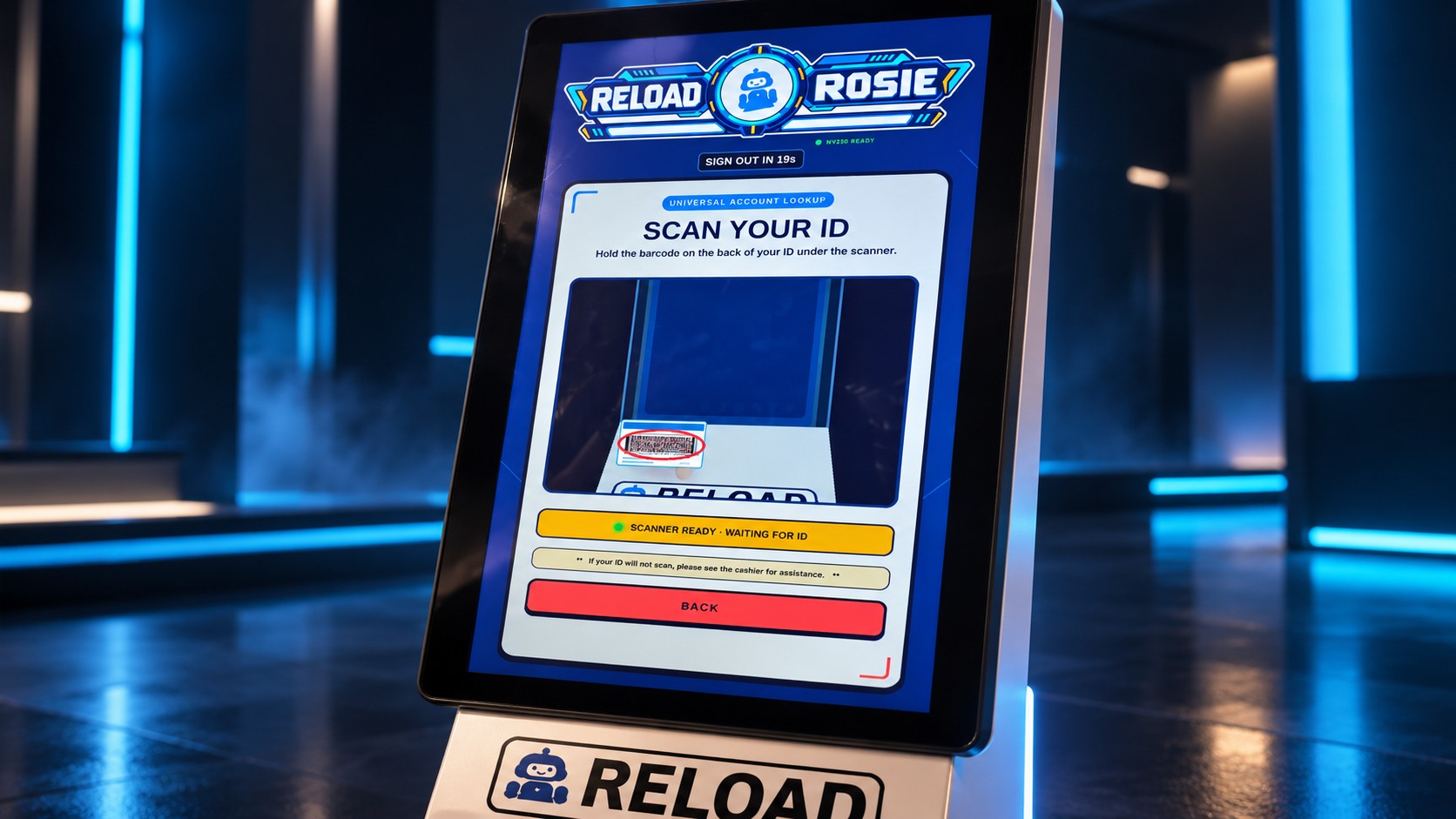
Scan an ID or use card and PIN access to reach the right player account.
NV200 Spectral cash handling supports guided loading and redemption workflows.
Rosie works with the location's Gateway system to complete verified account and balance workflows.
Scan an ID or begin from the touch display.
Use a player card and PIN to access the correct account.
Follow clear on-screen instructions through the selected cash workflow.
Review the result and finish with a clear confirmation.
Move through Rosie's actual vertical interface while the instructions stay clear and easy to follow.
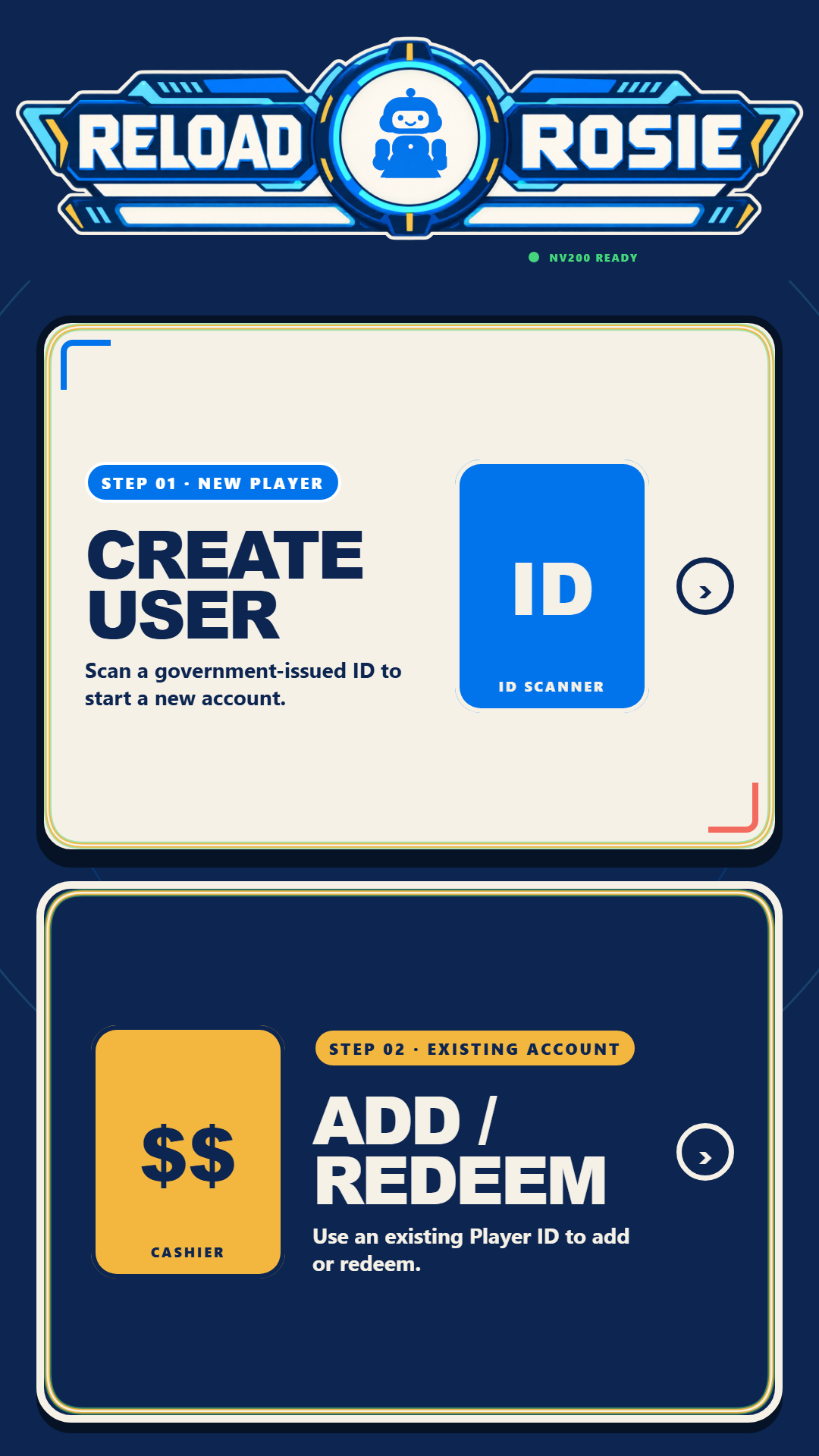
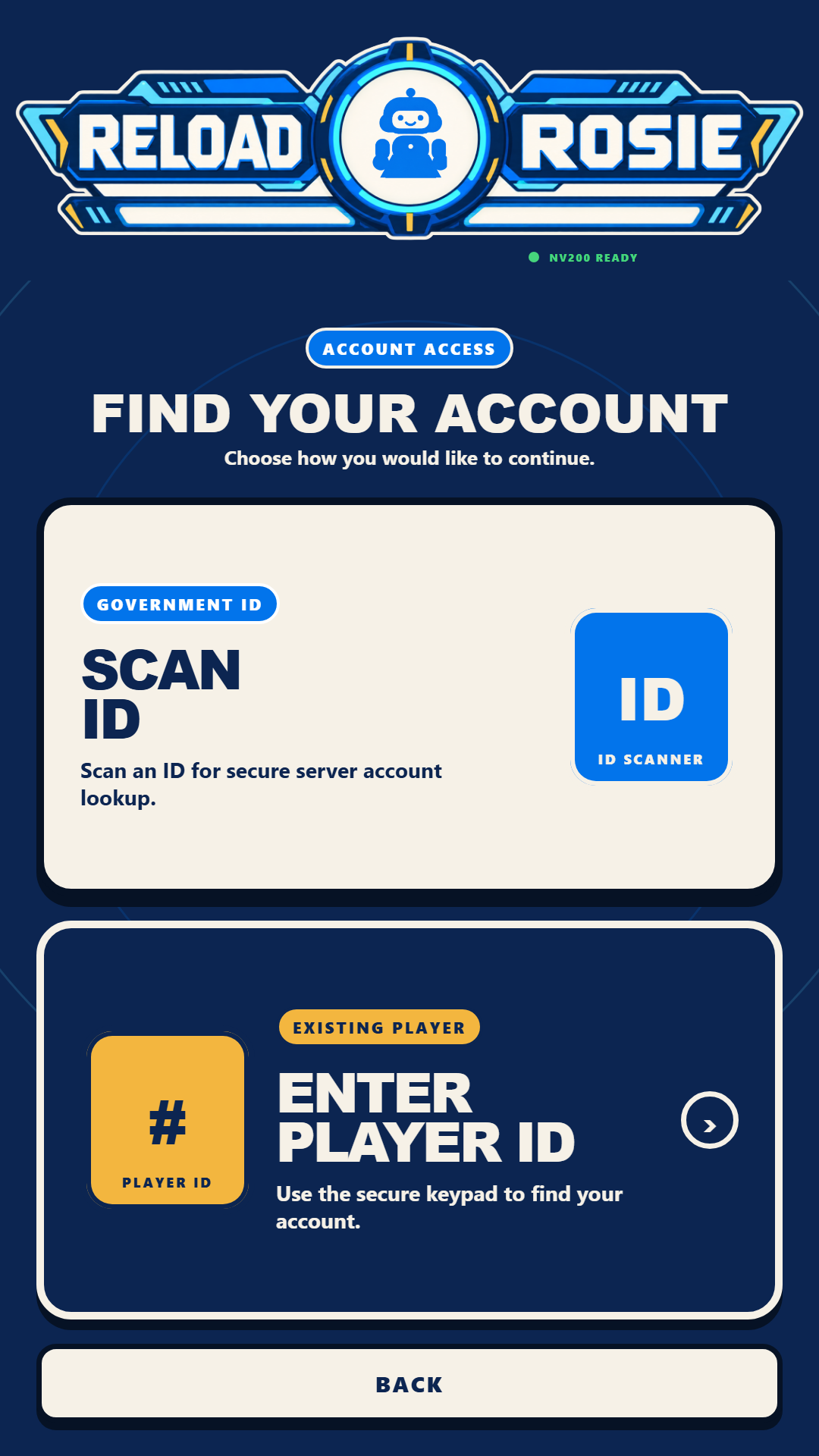
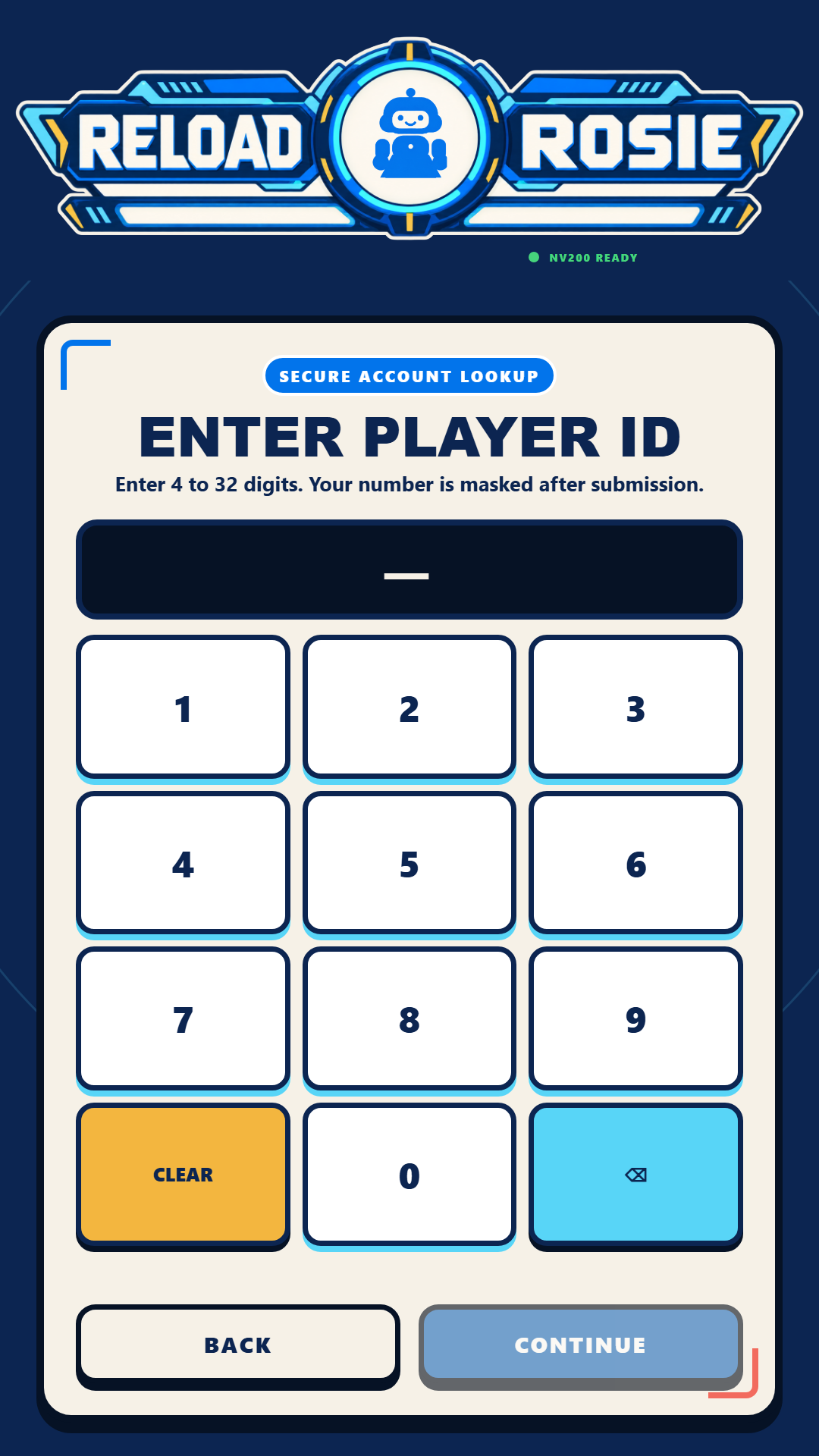
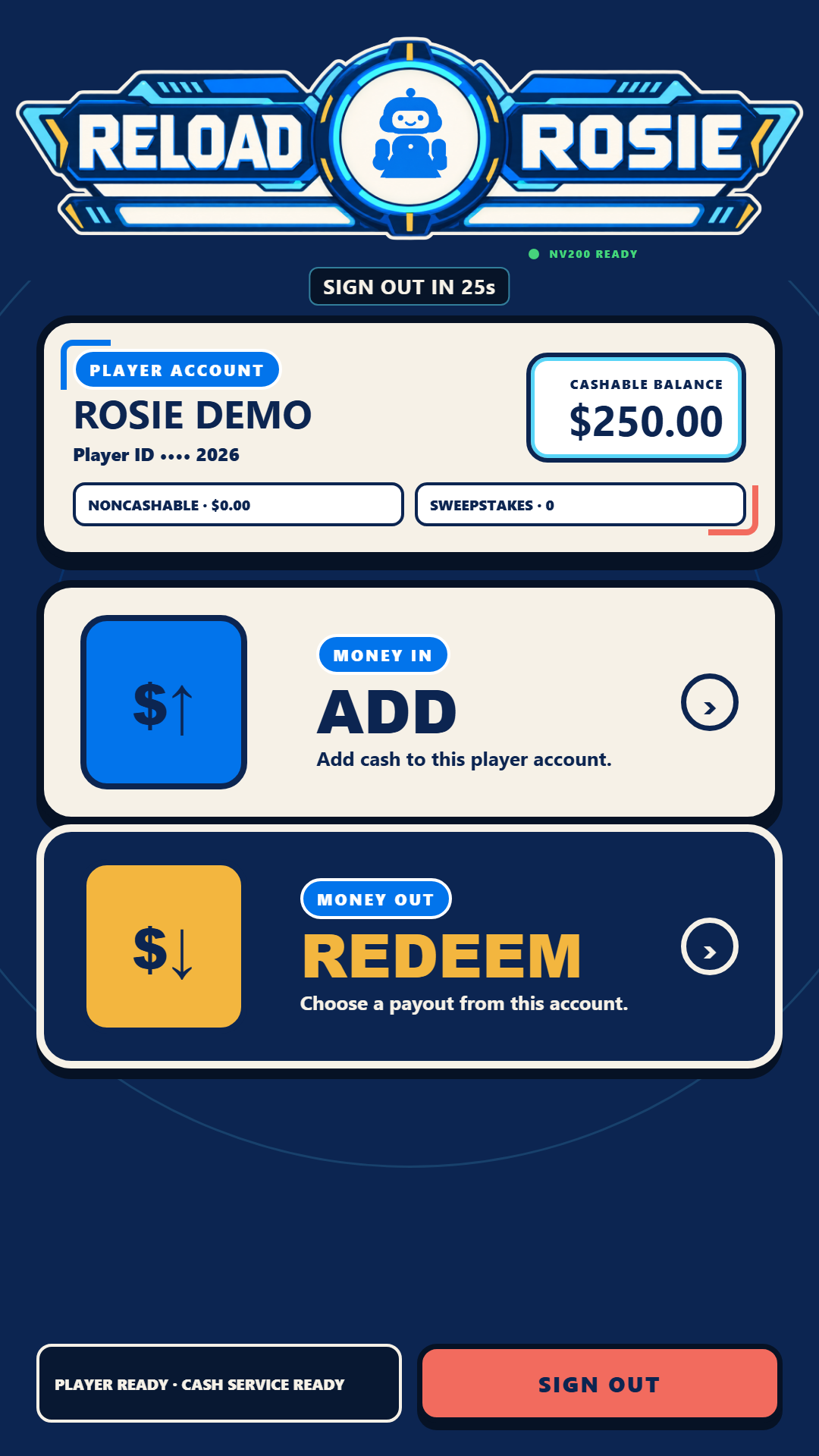
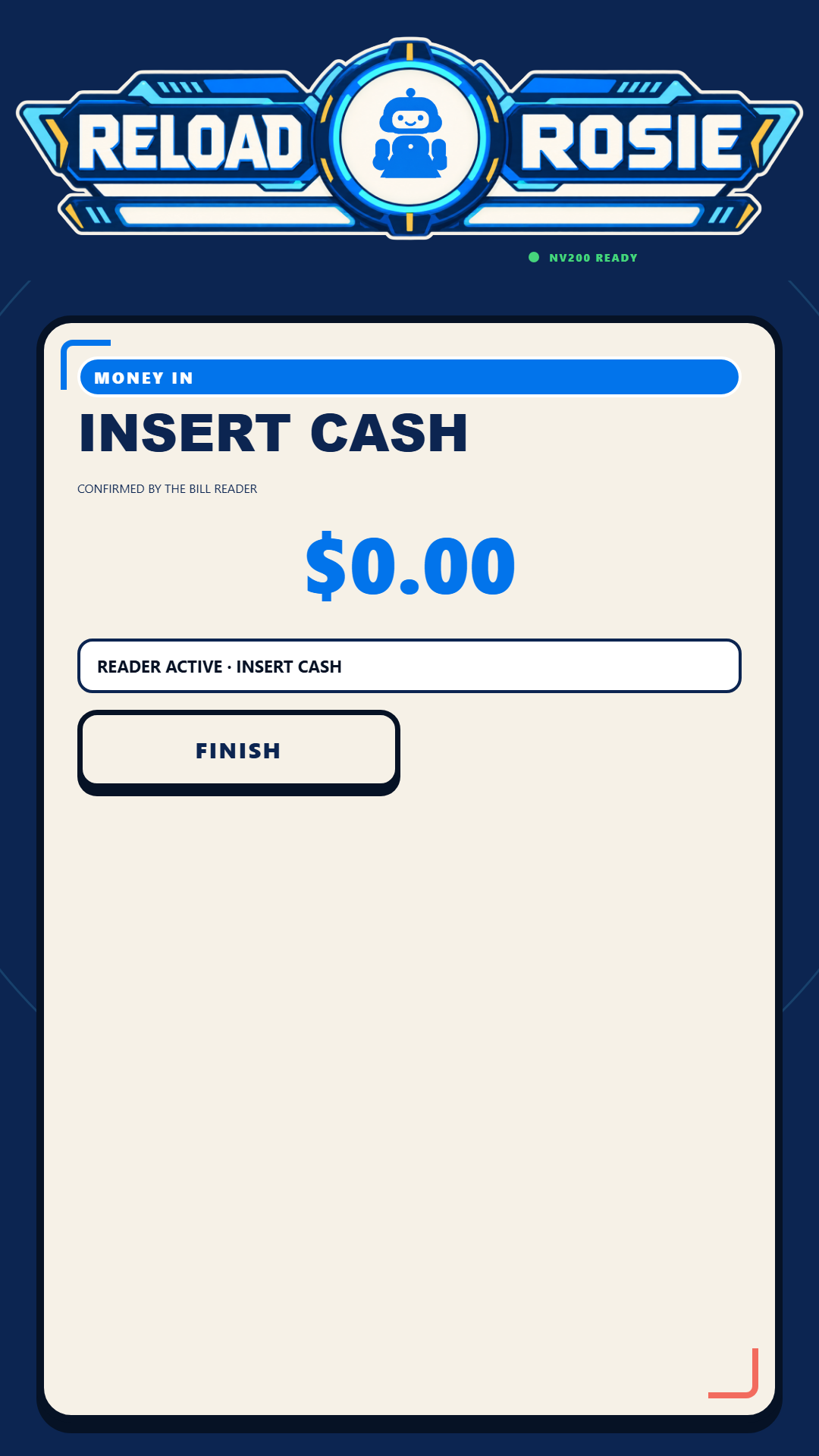
Real Rosie software · Fictional demo account
Every part of the kiosk has a job: welcome the player, protect the transaction, and keep the experience moving.
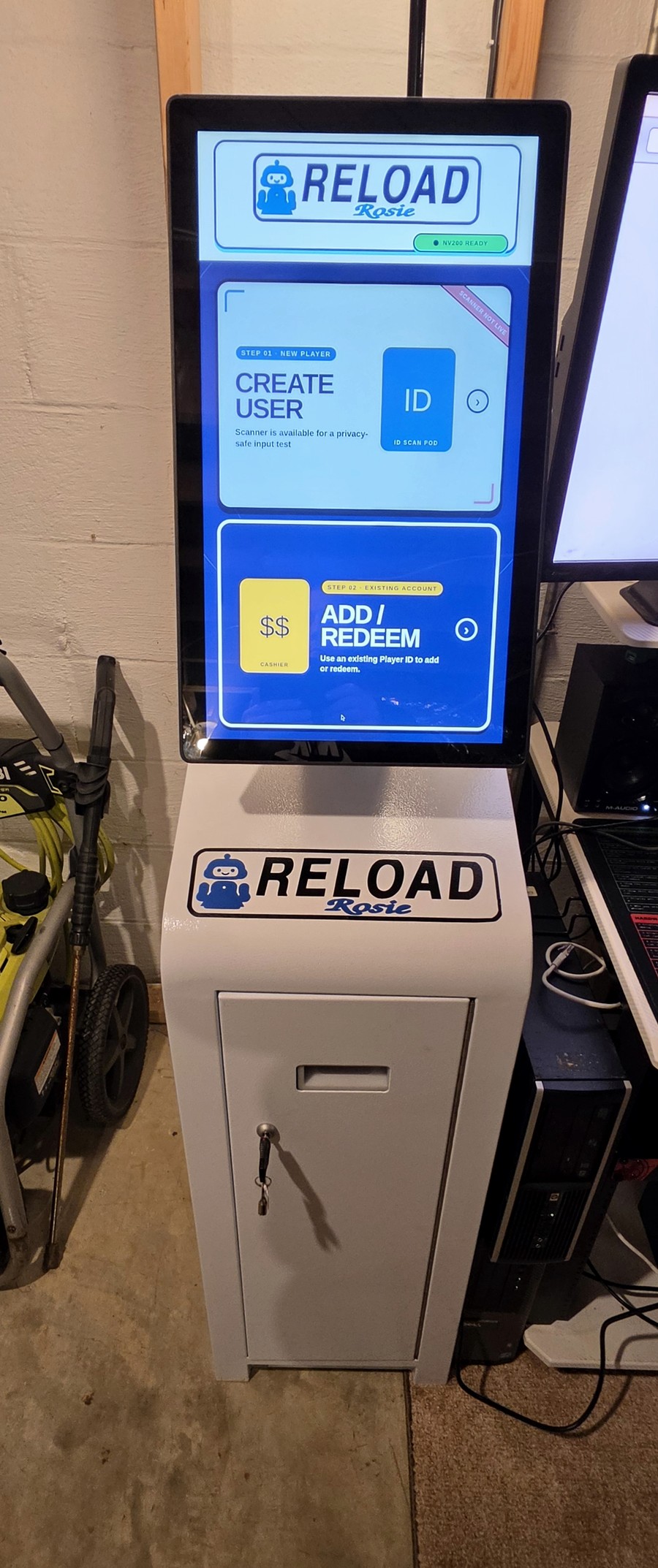
01
Large controls and clear, color-independent cues for confident operation.
02
Integrated identification plus familiar card and PIN entry.
03
Cash validation and recycling hardware for Rosie’s guided workflows.
04
A compact controller connects Rosie to the location’s Gateway system.
A calm interface guides each interaction from the first touch to the final confirmation.

A Spectacle Gaming system
Contact Spectacle Gaming for a private Rosie demonstration.